How to Write AI Photo Editing Prompts for Realistic Results (2026 Guide)
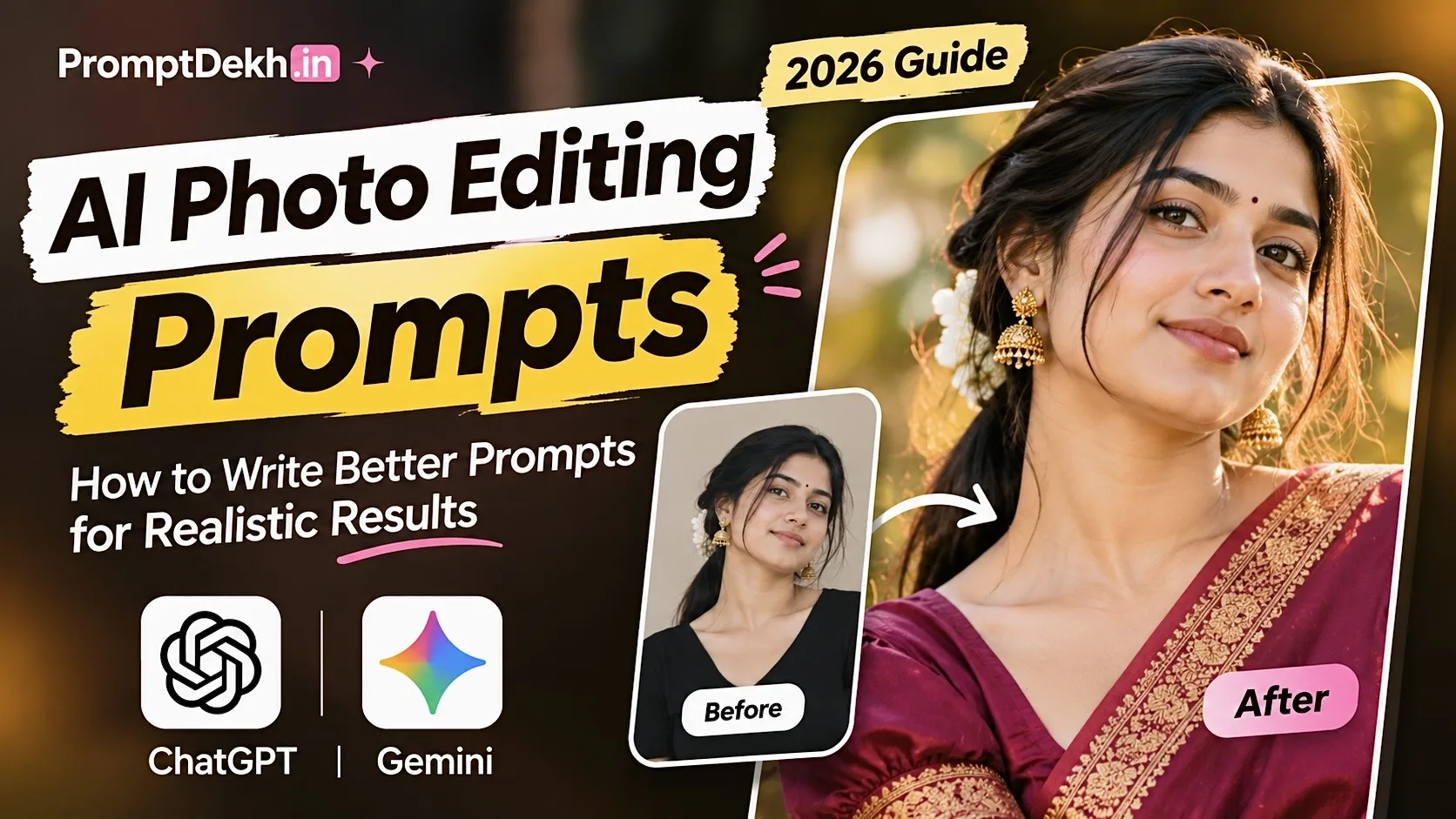
Table of Contents
01. What Are AI Photo Editing Prompts? 🤔
An AI photo editing prompt is a written instruction that tells an AI image tool how you want an existing photograph to be modified.
Imagine you have a normal selfie and want to transform it into a cinematic portrait. Instead of manually adjusting every detail, you can upload the image and describe the result you want.
Simple example
Basic instruction: Make my photo look professional.
Detailed instruction: Transform my uploaded photo into a professional outdoor portrait with warm golden-hour sunlight, a softly blurred background, natural skin texture and realistic camera details. Preserve my original facial identity.
The detailed instruction gives the AI more information about your desired result. It doesn't guarantee perfection, but it helps communicate your idea more clearly.
02. How Does AI Photo Editing Work? ⚙️
Most AI image editing workflows begin with an original photograph and a set of instructions. The tool interprets the photograph and your requested changes, then generates an edited result.
Visual guide: From uploading a photograph to receiving an AI-edited image.
03. The Perfect AI Prompt Formula 🧩
A good prompt should communicate the most important details without becoming unnecessarily complicated.
Use this six-part formula as your starting point:
Six building blocks of a well-written AI photography prompt.
For example, if you want a traditional Indian portrait, describe the outfit, jewellery, background, lighting and facial details. If you want a professional headshot, focus more on studio lighting and composition.
04. How to Write Better AI Photo Editing Prompts
Decide whether you want a cinematic portrait, fashion photo, traditional look or professional headshot.
Use a clear photograph with visible facial details and suitable lighting.
Explain the background, clothing, atmosphere and photography style.
Mention which facial features, skin tone and personal characteristics should remain consistent.
Review the generated image and adjust the instructions if something looks different from your idea.
05. 5 Ready-to-Copy AI Photo Editing Prompts 📸
Here are five creative prompts you can experiment with. Upload your photograph to an image-editing tool that supports photo uploads, then use the relevant instructions.
01. Cinematic Outdoor Portrait 🌅
Transform the uploaded photograph into a cinematic outdoor portrait. Preserve the original person's facial identity, facial structure and natural skin tone. Add warm golden-hour sunlight, a beautifully blurred natural background, realistic skin texture and professional DSLR photography details. Use subtle cinematic colour grading and natural proportions.
02. Traditional Indian Fashion Look 👑
Edit the uploaded photograph into an elegant traditional Indian fashion portrait. Add a beautiful silk saree with a rich golden zari border, tasteful traditional jewellery and a premium heritage-inspired background. Use soft warm lighting and realistic fabric details. Preserve the original person's recognizable facial characteristics.
03. Professional Instagram Portrait ✨
Create a stylish Instagram-ready portrait using the uploaded photograph. Keep the original person's identity and facial details recognizable. Add a clean aesthetic background, natural daylight, soft shadows and realistic colours. Use professional portrait photography composition without excessive retouching.
04. Vintage Film Photography 🎞️
Transform the uploaded image into an authentic vintage film-style portrait. Preserve the original subject's facial appearance. Add subtle film grain, slightly faded colours, soft highlights and realistic shadows. Create the appearance of a photograph captured using a classic analogue camera.
05. Luxury Fashion Editorial 💎
Turn the uploaded photograph into a premium fashion editorial portrait. Preserve the original person's recognizable facial identity and natural skin tone. Add an elegant designer-inspired outfit, sophisticated studio lighting, a minimal architectural background and realistic fabric details. Use refined colour grading and professional fashion photography composition.
06. Best Lighting Styles for AI Photography 💡
Lighting can completely change the mood of a photograph. Before writing your prompt, think about what kind of atmosphere you want.
| Lighting | Appearance | Best for |
|---|---|---|
| Golden Hour | Warm and soft | Outdoor portraits |
| Studio Lighting | Clean and balanced | Professional photos |
| Cinematic Lighting | Dramatic shadows | Editorial portraits |
| Natural Daylight | Fresh and realistic | Casual portraits |
| Rim Lighting | Bright subject outline | Creative photography |
07. Common AI Photo Editing Mistakes ❌
⚠️ Avoid these common problems
- Unclear descriptions: Simply writing "make it beautiful" doesn't explain your creative direction.
- Too many effects: Excessive filters can make images look artificial.
- Conflicting instructions: Avoid mixing incompatible lighting and environment descriptions.
- Ignoring the original image: Explain which elements should change and which should remain unchanged.
- Expecting perfect results: Different AI models may interpret the same instructions differently.
08. ChatGPT vs Gemini for AI Photo Editing 🤖
ChatGPT and Google Gemini both offer AI image capabilities. Their features and results depend on the available model, account and editing workflow.
| Feature | ChatGPT | Gemini |
|---|---|---|
| Image editing | Available features vary | Available features vary |
| Creative instructions | Supported | Supported |
| Portrait concepts | Yes | Yes |
| Image generation | Model dependent | Model dependent |
| Usage limits | Plan dependent | Plan dependent |
There isn't one universal winner. Try the same prompt in both tools and compare the results for your particular editing task.
09. Discover More Creative Prompts on PromptDekh 💜
Sometimes the hardest part of AI photography is deciding what to create next. You might have a photograph ready but need a fresh concept or a better way to describe your idea.
That's where PromptDekh comes in. Explore creative prompt collections and editing templates designed to help you experiment with different styles.
Explore more categories
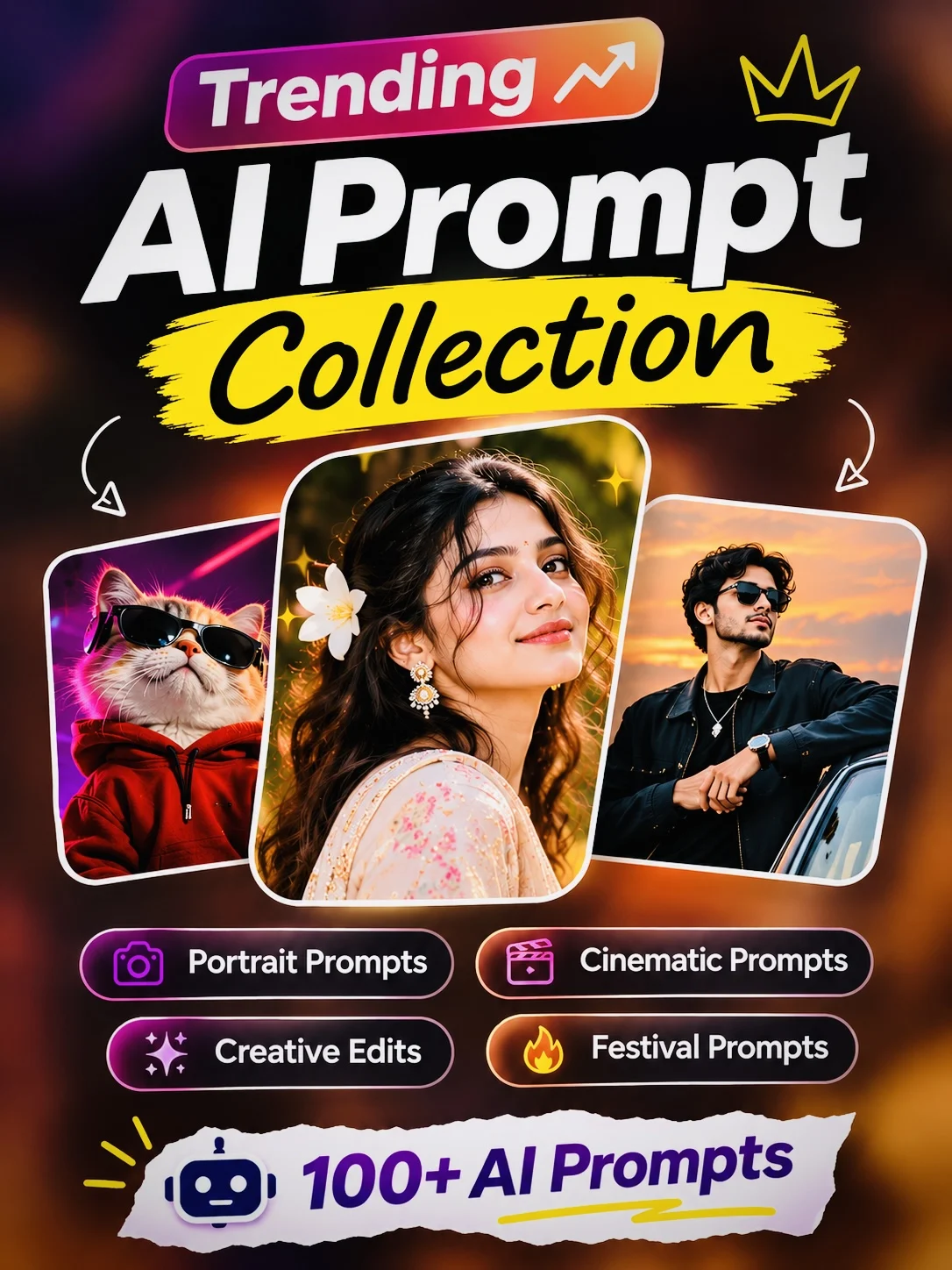
📸 AI Photo Editing Prompts
👦 Boys Photo Editing Prompts
👩 Girls Photo Editing Prompts
❤️ Couple Photo Prompts
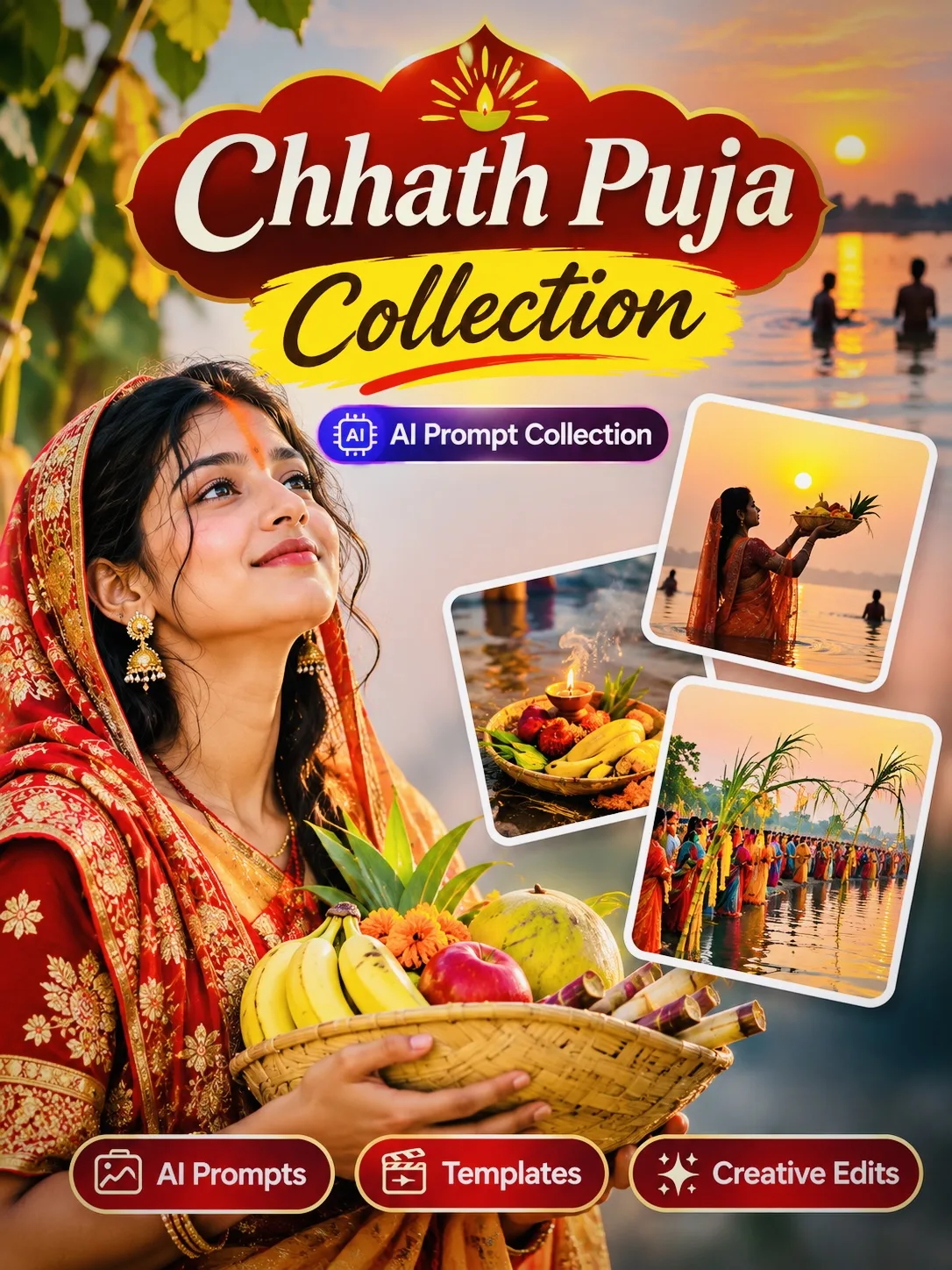
🎉 Festival Photo Prompts
🎬 CapCut Templates
10. Frequently Asked Questions ❓
What are AI photo editing prompts?
They are written instructions that guide AI tools when creating or editing photographs.
How do I write a good AI photo editing prompt?
Describe the subject, background, outfit, lighting, camera style and important details that should remain unchanged.
Can I use the same prompt in ChatGPT and Gemini?
Yes. You can try the same prompt in both tools, although the results may differ.
How can I make AI photos look realistic?
Use clear descriptions of natural lighting, skin texture, proportions and camera composition. Avoid excessive artificial effects.
Can AI edit my existing photograph?
Yes. Supported image editing tools allow you to upload an existing photograph and request creative changes.
Are AI photo editing prompts free?
Prompts can be written and shared freely, but AI image generation and editing features may have subscription or usage requirements.
Final Thoughts 💜
Creating beautiful AI photographs is about more than choosing an image generator. A clear idea, detailed instructions and a little experimentation can help you get results closer to your imagination.
Start with one of these prompts, upload your photograph and experiment with different creative styles.
Keep creating. Keep experimenting. Discover more creative ideas with PromptDekh!